—
4
Min
Read

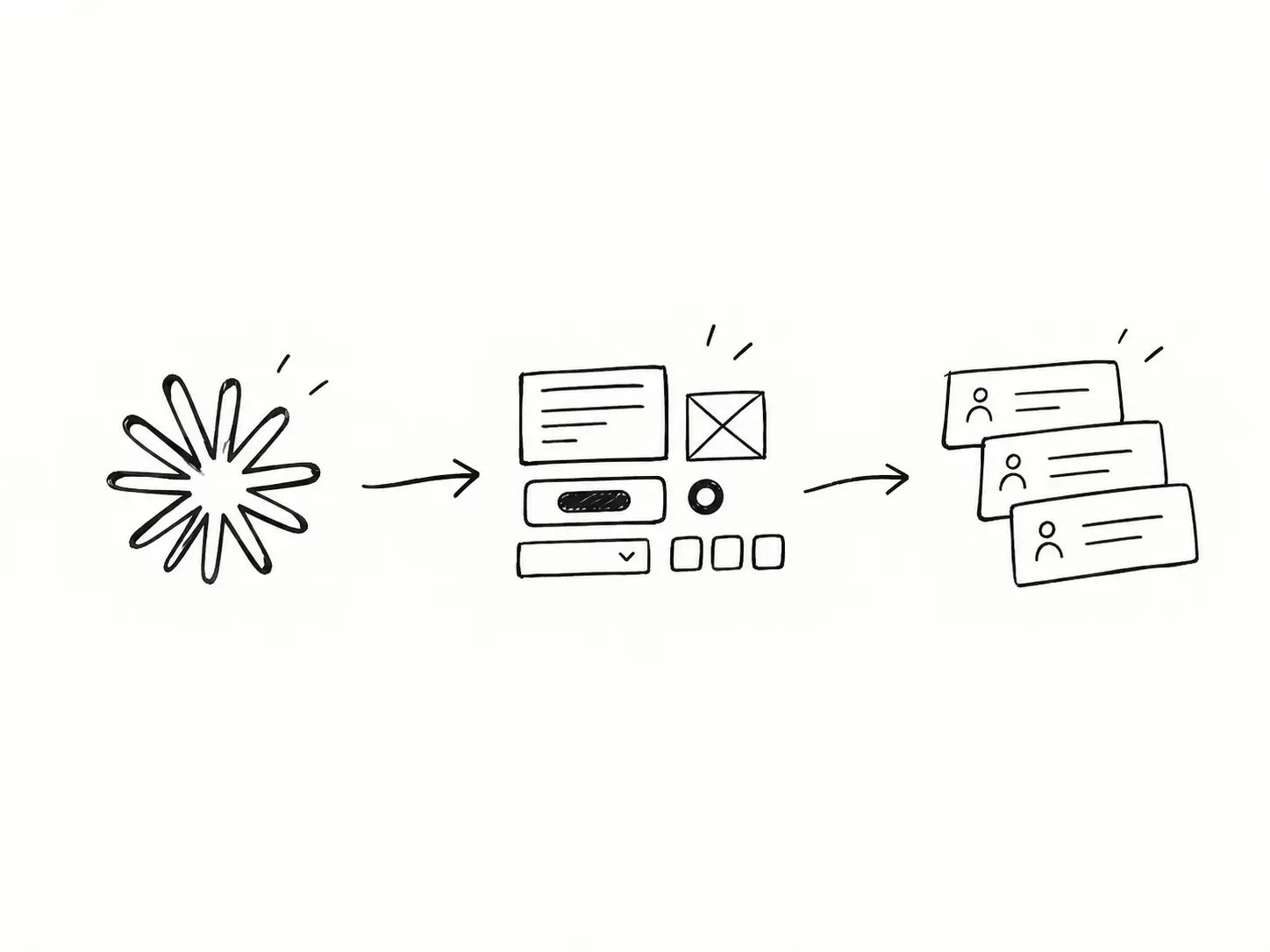
Most people use Claude Code the same way every time. Write a long prompt, get something close, fix it, and repeat the same fixes next week. The AI isn't the slow part. Re-explaining your process is.
Here's the workflow I use to build SaaS demo apps: I teach Claude my process once, save it as a skill, and start every project from a setup that already knows what it is.
Key Takeaways
A skill is your process written down, so Claude runs it the same way every time.
Don't write a skill first. Do the work with Claude, then have it write the skill from what worked.
A skill is done when it runs the whole task exactly right without you stepping in.
A shadcn boilerplate gives Claude more context, for fewer tokens, than a long project.md.
Real CLIs beat instructions, because Claude can check its own work.
AI makes building fast. Skills are how your taste survives the speed.
Why do Claude Code prompts keep giving you generic UI?
A prompt only lives for one conversation. When it ends, Claude falls back to its defaults: the same cards, the same gradients, the same layout as every other AI-built app.
That's why so many AI-built products look alike. Nobody taught the AI how they actually work.
A skill fixes that. It's a folder with one SKILL.md file: a short description of when to use it, then the steps. Claude reads the description and loads the skill only when that task comes up.
Instead:
Save your process once, as a skill
Start from a real stack, not a blank folder
Give Claude tools to check its own work
The AI doesn't forget your process. It never learned it.
Do the work first, write the skill second
Don't open a blank SKILL.md and guess at rules. Run the real task with Claude, go back and forth, and correct it until the output is right.
The back-and-forth is the research. Every correction you make becomes a rule in the skill.
I built one for this blog. I give Claude a title, it researches what ranks, writes a template in my voice, and saves the finished post as a draft in my Framer CMS. [ISAAC: what Claude got wrong first, and how many rounds it took before the output felt right.]
Ask yourself:
What did I correct more than once?
What did I explain that I'll have to explain again?
Where did it guess wrong?
What order did the steps end up in?
Your corrections are the skill.
Ask Claude to review the session and turn it into a skill
Once the task works, don't write the skill yourself. Tell Claude to analyze everything you just did, including what failed, and write it up as a skill.
It was there for every correction. It knows where it went wrong better than your notes do.
Use: a prompt like "Review what we just did: what worked, what I corrected, and the order we landed on. Turn it into a skill." [ISAAC: your exact prompt]
Keep:
The steps, in the order that worked
Your voice and standards, with one real example
Guardrails, like "save as a draft, never publish"
Cut the dead ends. They were useful once.
Run it until it works exactly, with no help
A skill isn't done when it's written. It's done when it runs the whole task exactly right without you stepping in.
Open a fresh session and run it on a new input. Every time you correct it, put that correction back into the skill. Stop when two runs in a row need nothing from you.
Ask yourself:
Did I have to step in?
Did it skip or reorder a step?
Would a teammate get the same result?
If you had to step in, the skill isn't finished yet.
Start from a boilerplate, not a giant project.md
Most people give Claude context with a long project.md or CLAUDE.md. The problem: Claude rereads that file on every message. It grows, costs tokens every turn, and slowly turns into background noise.
A boilerplate tells Claude what the project is through real code. My demo apps start from a shadcn boilerplate. The config, the theme tokens and the installed components are the context. Claude sees what's there and builds to match, without me describing it. It's more powerful, and it's cheaper in tokens.
Add to your boilerplate:
shadcn with your theme tokens
A base layout: sidebar, header, empty states
One or two pages that show your standards
Keep CLAUDE.md to a few lines. Show the AI your project. Don't describe it.
Give Claude real tools, not more instructions
Install the CLIs and skills for your stack so Claude can look things up, install things properly and check its own work.
Rules get forgotten. A tool gives Claude a real answer.
Use:
The shadcn CLI and skill, so Claude searches and adds real components instead of rewriting them.
shadcn lint to catch mistakes before you see them.
SQL queries skill for claude code
A tool Claude can run beats a rule it has to remember.
Boilerplate, project.md or skill: what goes where?
Tool | Best for | Token cost |
|---|---|---|
Boilerplate (shadcn) | What the project is: stack, components, theme | Low, read only when needed |
CLAUDE.md / project.md | A few rules Claude always needs | Paid on every message, so keep it short |
Skill | A repeatable process: steps, order, checks | Loaded only when the task comes up |
CLI | Facts and checks: install, docs, lint | Runs on demand |
Final thoughts
AI made building cheap. Anyone can generate an app in an afternoon. What's left is judgment: what to cut, what goes first, how the product should feel.
Skills are how you save that judgment, so every demo starts from your standards instead of the AI's defaults.
What this gets you:
Demo apps ready for sales calls and investor meetings, faster
Consistent UI across every project
Fewer tokens and fewer rewrites
Prototypes people can click, not screenshots
Test the real thing before you build it. I use this workflow to turn SaaS ideas into working React prototypes your team and customers can click. If you need a demo that feels finished, let's talk. Book a Call With Isaac
